




Your sounds, together
Combine sounds from the library, adjust their volumes, and save your creation with a Naluvia account. The Mixes tab also offers ready-made soundscapes.
Save and find a mix Naluvia
Your sound space to slow down, dream, and reconnect with yourself.
Combine sounds from the library, adjust their volumes, and save your creation with a Naluvia account. The Mixes tab also offers ready-made soundscapes.
Save and find a mix
Sounds repeat throughout your session, even when your phone screen is locked. The timer lets you choose when to stop listening.
Set the timer
Fully downloaded sounds remain available while they are in your phone’s cache. Prepare your soundscape before going offline.
Get ready to listen offline
Naluvia is an ambient sound app for sleep, relaxation or focus. Mix up to eight rain, nature and relaxation sounds, then adjust each volume to create your soundscape.
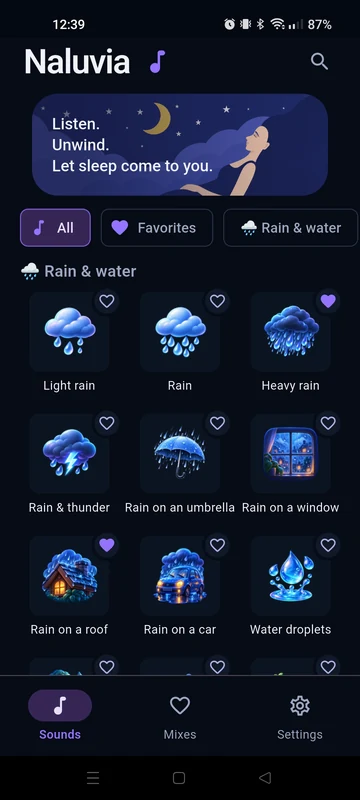
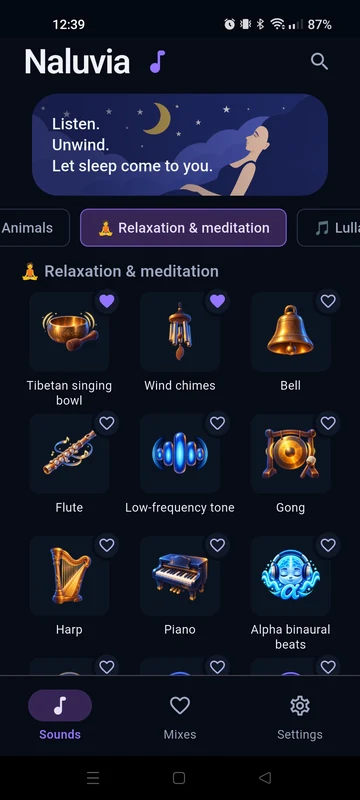
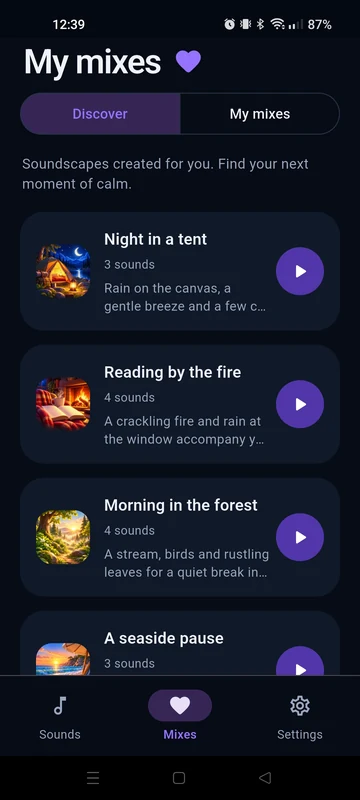
In the Sounds tab, tap a sound’s image to add it. Add more sounds, then open the player’s volume controls to balance your mix.
Follow the first stepsYou can listen to and blend sounds without an account. An account is needed to save your personal mixes and sync them across your devices.
Learn what an account is forOpen Timer in the player or in Settings, then choose a duration. All sounds stop when the time is up. The timer is off by default.
Set the timer